Most AI influencer photos look fake for the same few reasons: the face changes from post to post, the scenes are generic, and the prompts are stuffed with words like "ultra realistic, 8k, masterpiece". This guide gives you prompt templates that avoid those problems, from the character sheet to the final photo.
You can use them with any image model. At the end we'll explain how Influgen handles this for you, but the principles hold whatever tool you use.
Step 1: write the character before you write a single image prompt
The biggest mistake is jumping straight to "beautiful woman in a café". A good AI influencer starts with a character sheet, written in plain language. Every image prompt you write later borrows from it.
Character sheet template:
Name: [first name, optional last name]
Age: [number]
Lives in: [real city and neighbourhood]
Niche: [one main topic, e.g. home cooking on a budget]
Personality: [3 adjectives, e.g. warm, curious, a little chaotic]
Values: [what they care about]
Never does: [hard limits, e.g. never promotes gambling, never posts in swimwear]
Look: [see step 2]
Signature details: [1–3 things that make them recognisable, e.g. round tortoiseshell glasses, a green scarf, a dachshund called Pepper]
Voice: [how captions sound, e.g. short, funny, uses lowercase]
The "signature details" line matters more than people think. A recurring object, pet or accessory makes posts recognisable from the thumbnail and helps the audience feel they know the person. If you're stuck on names or bios, our name generator and bio generator give you a starting point.
Over nine days, our review step made 672 checks of AI-generated frames for 124 posts and turned down more than half. The surprise: bad hands were rare. Most frames failed because they didn't show what the post needed.
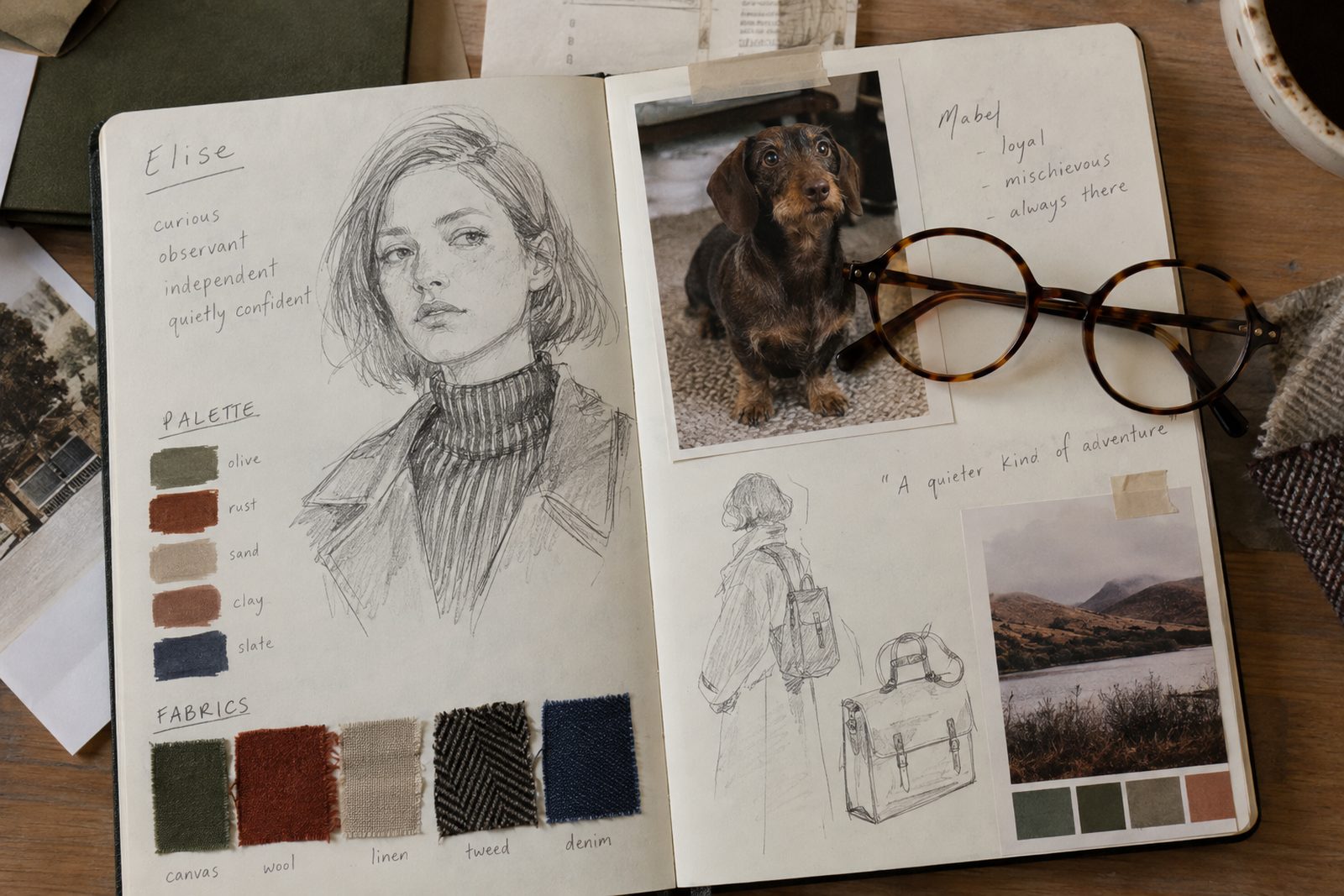
Signature details, like glasses or a pet, make a character recognisable.
Step 2: describe the look once, and reuse it word for word
Write one appearance description and paste it into every prompt unchanged. Changing the wording, even slightly, is one of the main reasons faces drift.
29-year-old woman, light olive skin, oval face, hazel eyes, shoulder-length dark brown hair with a straight fringe, small mole above the left lip, slim build
Keep it short and concrete. Ten specific details beat thirty vague ones.
Step 3: lock the face with a reference image
Text alone won't keep a face identical across hundreds of posts. Every serious workflow uses a reference image: one clear, front-facing portrait you generate first and then feed into every later image (most modern image models support an image reference or "edit" mode).
Reference portrait prompt:
Head-and-shoulders portrait of [appearance description], neutral expression, looking at the camera, soft daylight, plain light background, sharp focus on the face
Generate a handful, pick the one you like best, and treat it as the character's ID photo. From then on, every image prompt starts from that reference. Why this matters so much is covered in Face Consistency in AI-Generated Content.
Step 4: describe scenes like a photographer, not like a tag cloud
Natural-looking AI photos come from specific, positive descriptions of a real moment: where, when, what they're doing, what's in the frame, what the light is like.
Scene template:
[Character name] [doing a specific action] at [specific real place], [time of day and light], wearing [outfit], [one or two background details], shot on a phone from [angle], candid
Examples:
Maya buying peaches at the Saturday market in Lyon, late morning sun, wearing a striped linen shirt and her green scarf, crates of fruit and a chalk price board behind her, shot on a phone at chest height, candid
Maya laughing on her balcony with a coffee, early evening golden light, wearing an oversized grey knit, potted basil and string lights in the background, selfie angle, candid
A specific place, time and action reads as a real moment.
Prompt habits that make photos look fake
Quality spam. "Ultra realistic, 8k, masterpiece, award-winning" adds nothing and often makes skin look plastic. Describe the photo instead.
Negative wording in the main prompt. Writing "no blur, no extra fingers" tends to put those ideas into the image. Describe what you want.
Perfect studio lighting everywhere. Real feeds are mostly phone photos in ordinary light. Mix it up.
Generic places. "In a café" gives you a stock café. "At the window table of a small bakery in Lisbon" gives you a moment.
Over-describing the skin. Asking for pores and blemishes usually backfires. Natural light and a candid moment do more for realism. More fixes in How to Make AI Influencer Photos Look Real.
Step 5: plan a week of prompts, not one
One great photo doesn't make an influencer. Here's a simple weekly mix for a lifestyle character:
If you use a language model for captions, give it the character sheet and the scene, and ask for the caption in the character's voice:
You are [name]. [Personality and voice from the character sheet]. Write an Instagram caption for this photo: [scene description]. Under 40 words, no hashtags in the text, sound like a real person, not a brand.
Doing all of this by hand works, but it's a lot of prompt-writing every week. Influgen does it for you. You describe the character once (look, personality, values, the things they'd never do), and the influencer's AI team takes over. A Creative Director writes specific scenes and keeps the face locked to a reference, a Stylist picks the outfits, and a Strategist plans the week. You approve the posts or let them run within your rules.
Plan a walk down a street with an AI image model and you often get five pictures of the same spot. Here is why that happens, what we changed in our own pipeline, and how to plan shots that actually move.
Carousels are where an AI influencer's weak spots show fastest: a face that changes between slides, a room that moves, a story with no ending. Here is how to plan, draw and post carousels that hold together and get swiped to the end.